The Story Behind the Noder Project
The story behind the Noder project

I have been following React Native since early last year. Later, I also squeezed in time to rebuild the company project with React Native. Although I only implemented the basic features, I kept thinking about creating an open source app project with React Native afterward.
I think that when learning a new technology, finding a suitable project to practice on is a problem most developers will encounter. Given that my own design skills are limited, and I wanted a free and stable API, I finally looked around for a popular technology forum and chose to build a cnode forum client. After all, any application that can be written in JavaScript will eventually be written in JavaScript.
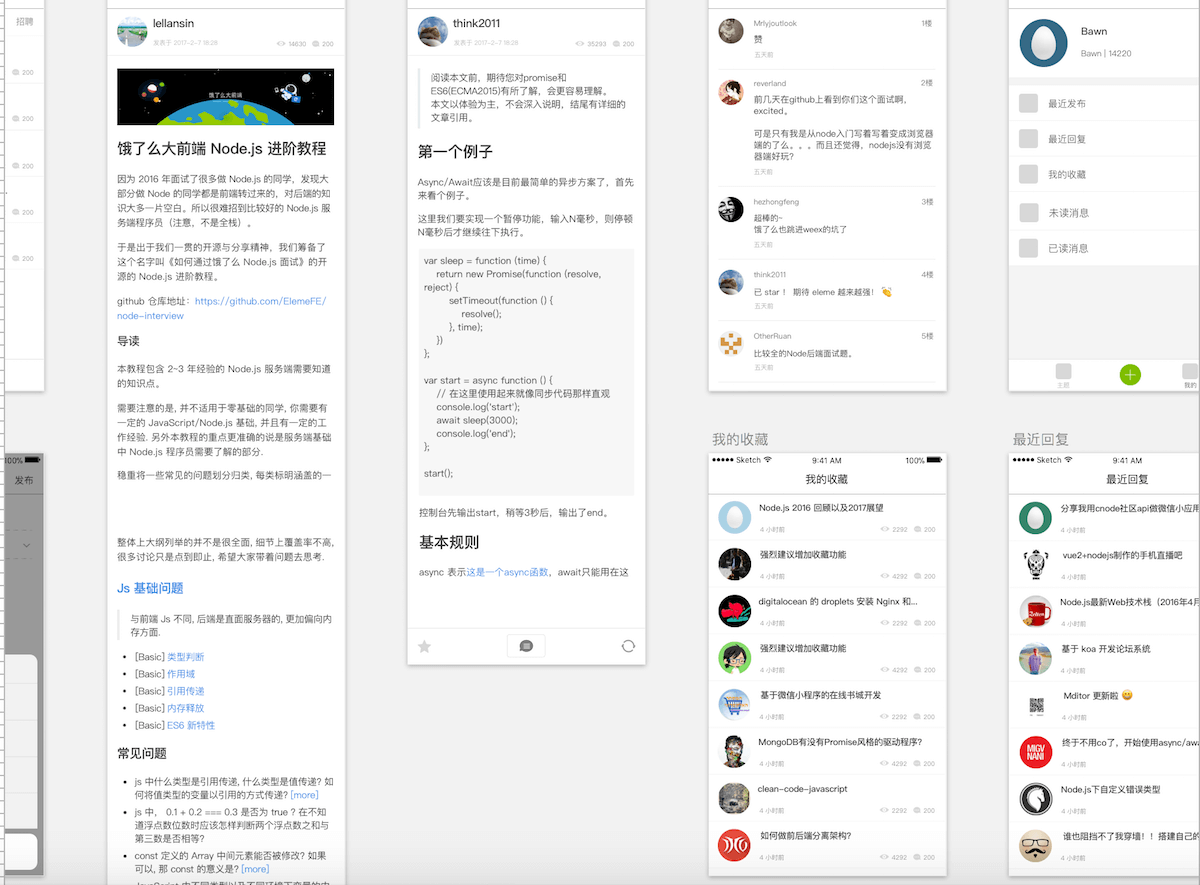
The design work in Sketch took a little over a week in total. Some of the screens were copied directly from the Smartisan forum Android client. The icons came from iconfinder, and the logo was adapted from the designer Marc Clancy’s New design.
Before I started development, React Native performance was my biggest concern. In the rebuilt version of the company project, even without complex animations or performance-heavy rounded corners, the experience on both iOS and Android was still underwhelming.
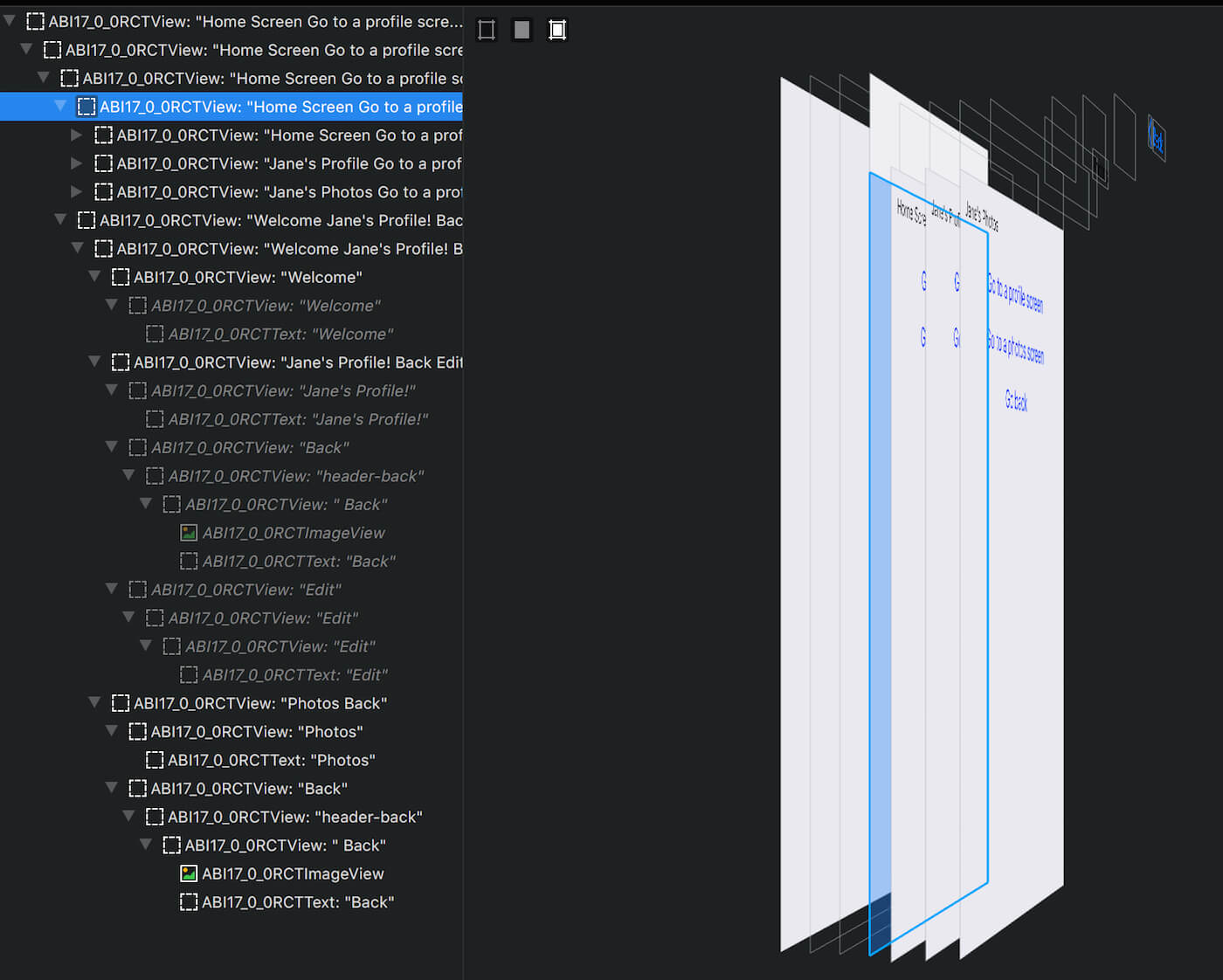
Whether you use the official react-navigation or the third-party react-native-router-flux, navigation between pages is essentially implemented on the same UIViewController/Activity on iOS and Android. In other words, every time you navigate to a new page, another page is stacked on top of the current UIViewController/Activity. The previous page is hidden but not removed, so once the page hierarchy grows, performance overhead is inevitable.
The official demo view hierarchy for react-navigation is shown below. Three pages were pushed in total, and the first two pages are actually in the same UIViewController.
The solution I eventually found for this issue was react-native-navigation, a third-party library for fully native page navigation.
React Native Navigation provides 100% native platform navigation on both iOS and Android for React Native apps.
Later during development, I found that the API for post content returned either HTML or markdown. Rendering it directly in a WebView probably would not meet the styling requirements, and after trying to find a third-party solution without success, I finally chose to handle it natively. I used HTMLKit to parse the HTML tags, and then Texture to render the views. You can look at the source code in /ios/Noder/HTMLNode. For more about Texture, you can read another one of my posts.
Upgrading React Native versions was also a headache, but I was willing to do it without hesitation. Because React Native was still evolving, each version upgrade brought new features. For example, FlatList was added in 0.43.0, and when I was building empty-state screens, I was pleasantly surprised to find that by 0.45.1 React Native had already added support for that feature in FlatList.
Overall, Noder is still a relatively simple project, especially suitable for development with a framework like React Native. With the platform becoming more mature and more libraries available to choose from, the project repository is noder-react-native.